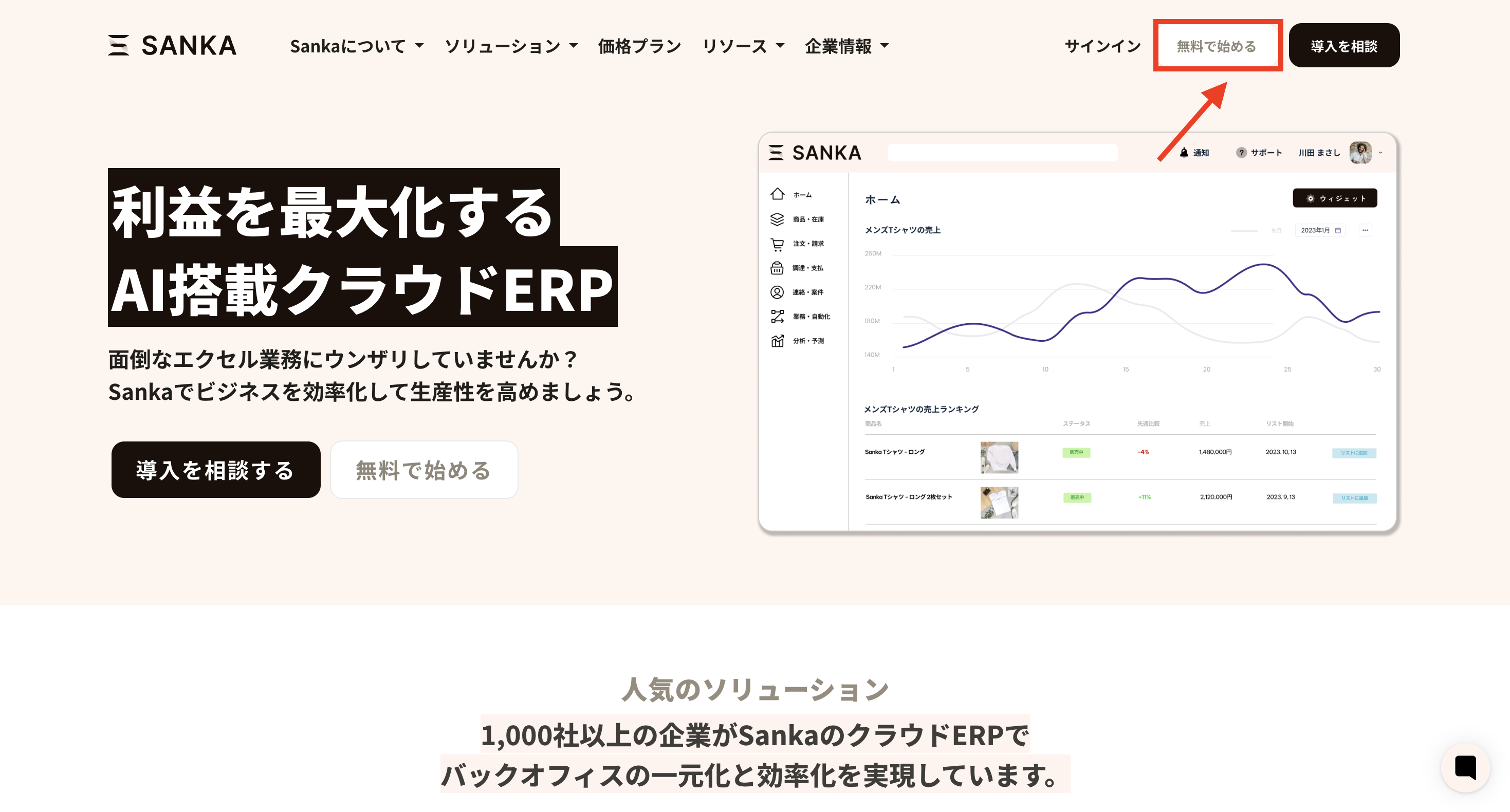
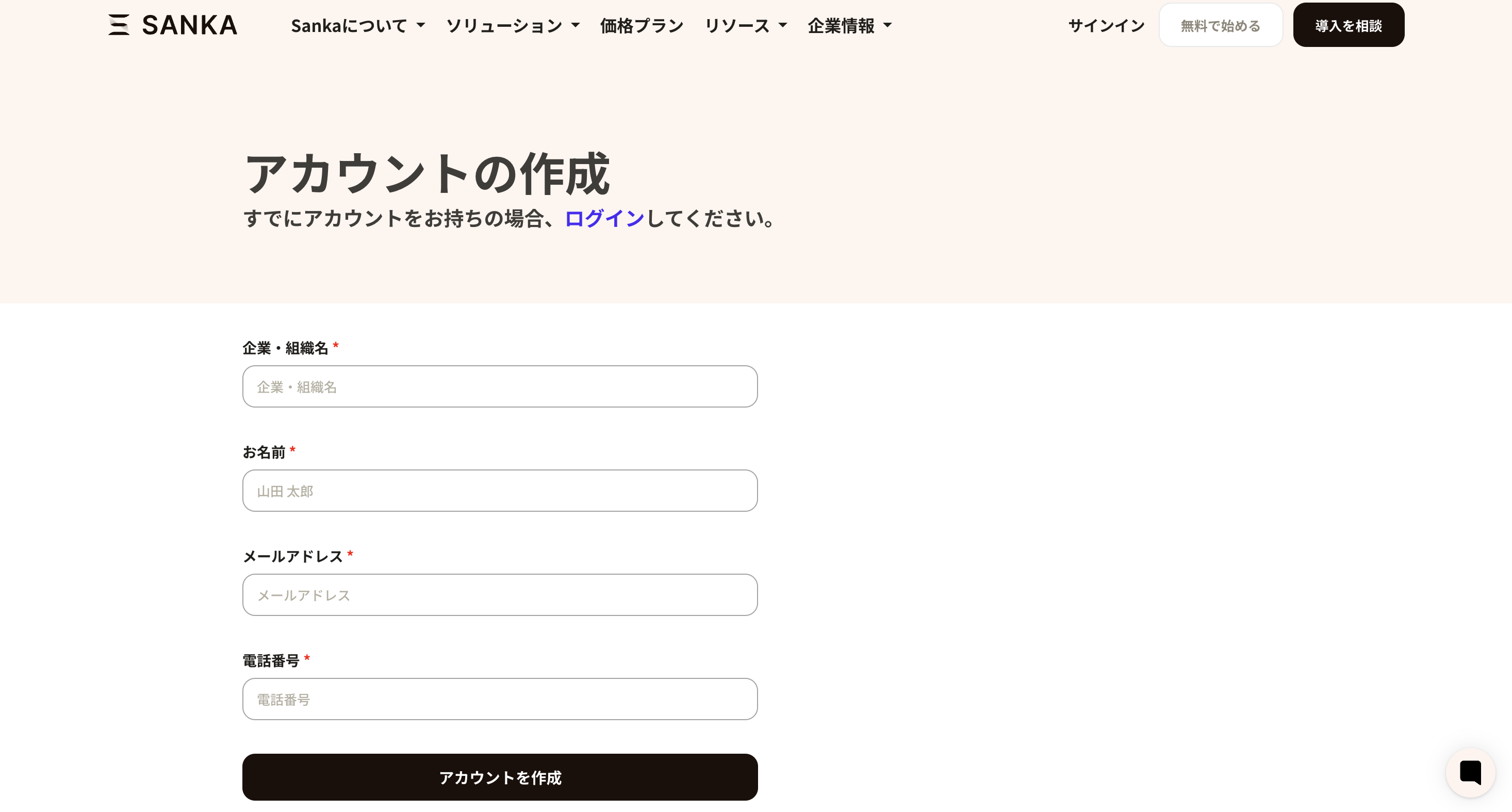
This guide explains how to register a Sanka account for the Sanka business management system.We often get asked, “How long does it take to get started with Sanka?” In practice, it only takes a few minutes.This guide walks you through the process. A video explanation is also available below.
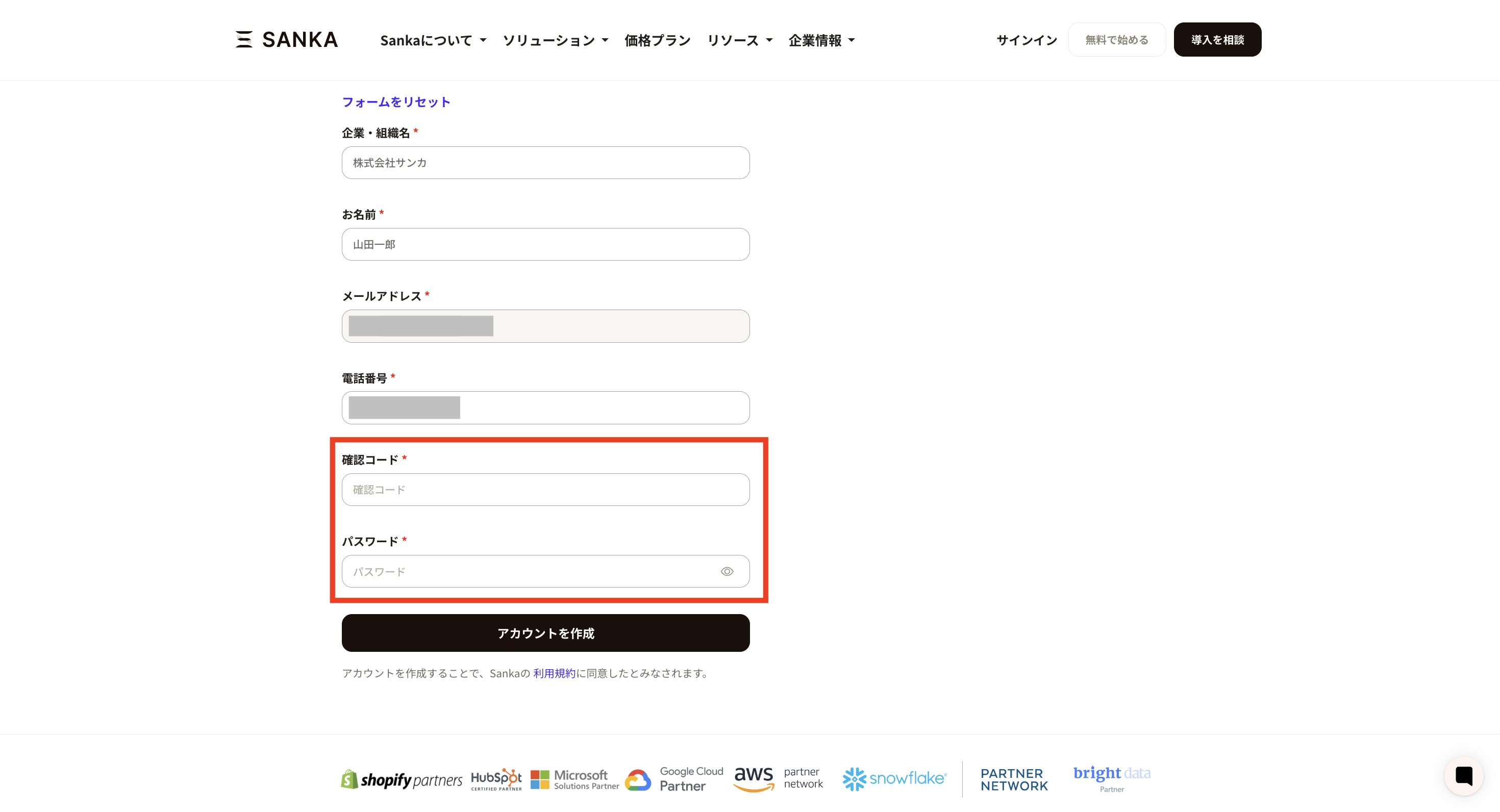
After submitting, a verification code will be sent to your email address. Enter the code in the form.At the same time, set your login password.Your account is now created.
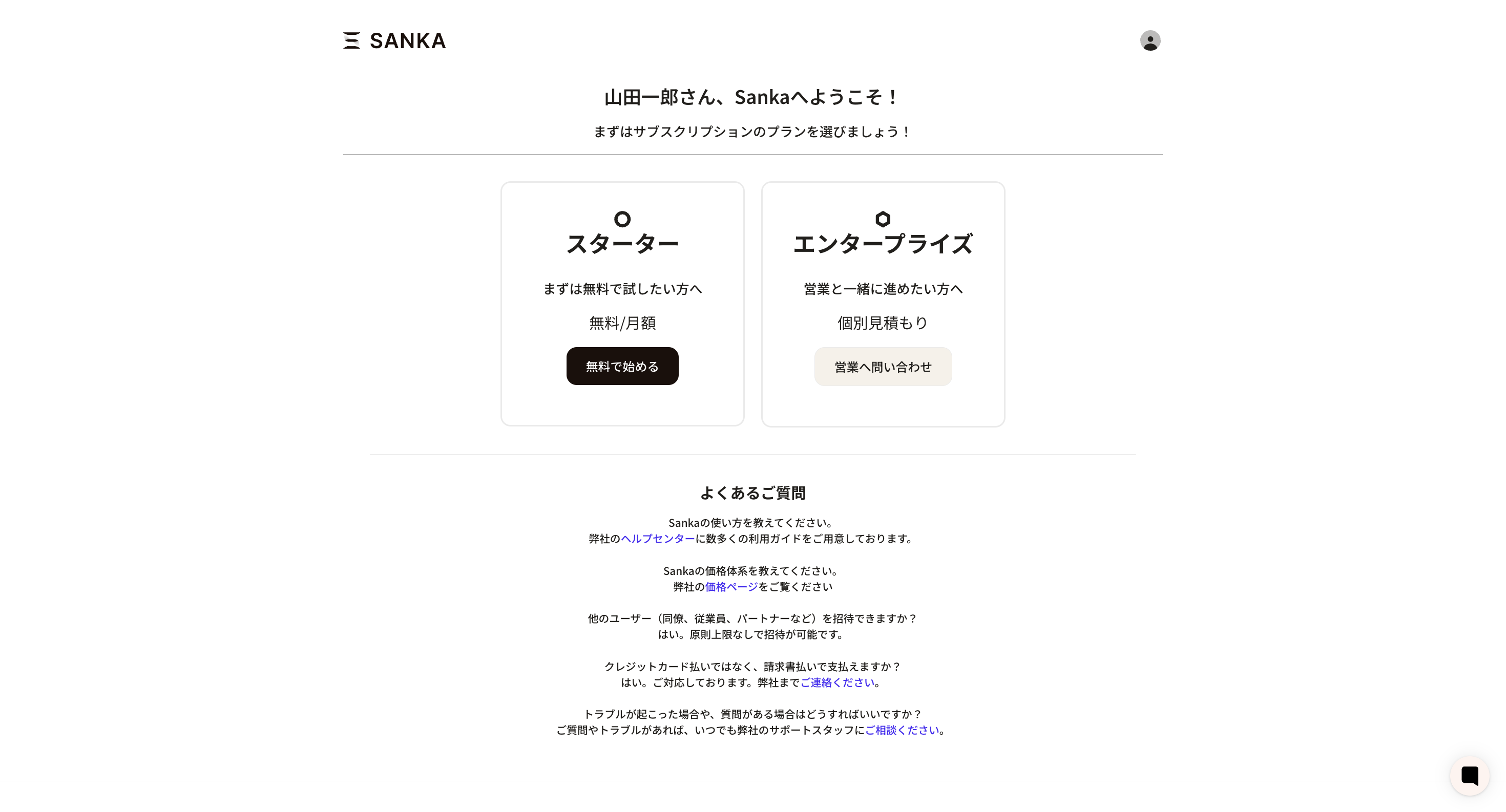
Once your account is created, you will be taken to the pricing plan selection screen.Sanka offers two plans: Starter and Enterprise.We recommend starting with the free Starter plan, then moving to Standard or Enterprise as needed.
Click the Starter plan to activate your account immediately.Right after creating your Sanka account, you can try inventory management, order management, billing, and purchasing for free.For details on these features, please see the related guides.Understanding the basic concepts of Sanka before you start working will help you operate more smoothly.If you have any questions about your account, please contact our support team.